W8RLD / W8RLD Extension Free

More item context.
Right on Roblox.

For Limited traders researching on Roblox

W8RLD Extension is a read-only Roblox companion for your browser. Review item values, compare identified trade rows and check exact Limited copy ownership beside supported Roblox pages.

W8RLD ExtensionIllustrative workflow
roblox.com / Item research
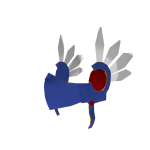
Valkyrie Helm
Roblox itemValkyrie HelmKeep the native page in view
01 / 03

Start on Roblox

Open a supported item or pending trade. W8RLD adds research context beside the native page.

Step 1 of 3: Start on Roblox

Everyday uses

A second view, right where you trade.

Review a trade

Check each copy on both sides.

On supported pending received and sent trades, confirmed missing copies show No longer owned. Stale, incomplete or unsupported evidence shows Ownership unverified. Duplicate copies are checked separately while the trade is open.
Read the comparison

Keep Value and RAP separate.

Use Smart Search and exact item details, then read supported metrics on identified trade rows. Ambiguous identities and expired quotes stay unavailable. Follow the exact item to Roblox for your own decision.

Explore your budget

Know when a source is missing.

Limited Deals and Similar Price have filters for supported asks and monetary observations. Their current feed is unavailable, so these tools cannot show fresh deals or similar-price results. Browse current Value and RAP in the web catalog meanwhile.

From question to decision

A straightforward way through.

  1. Open Roblox

    Visit a supported pending trade or item.

  2. Read the context

    Check exact copy identity, ownership evidence and separate metrics.

  3. Choose your next step

    Continue research or act yourself on Roblox.

A concrete example

Read the evidence beside the item.

Keep the Roblox page in view while you review separate metrics and choose the next item to research.

roblox.com / item page
Roblox itemSilver King of the NightSilver King of the NightKeep the native page in view
W8RLD Item research
Example curated Value460,000
RAPSeparate metric
HistorySaved observations
Next researchExact item →

Read alongside the page. Decide on Roblox.

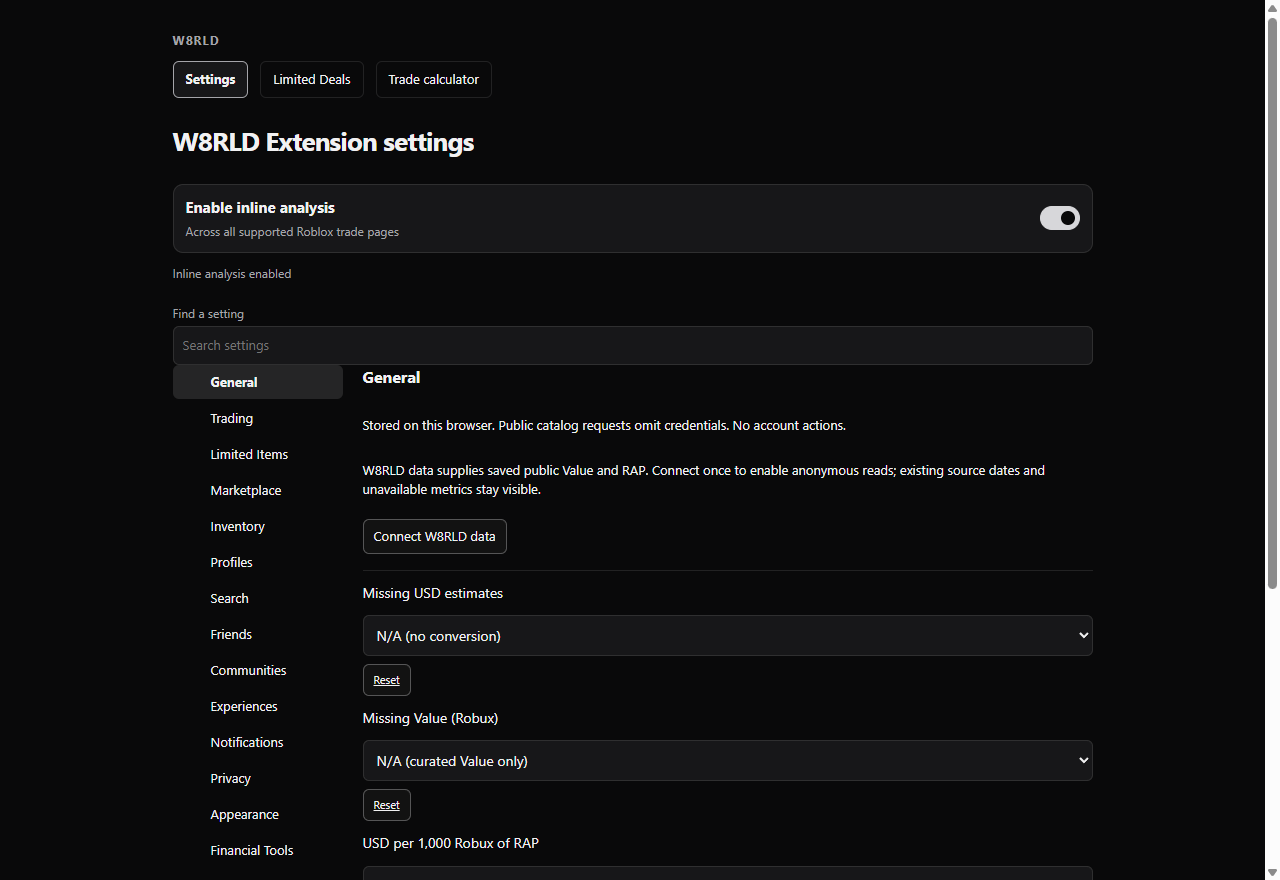
Actual Extension Settings page with optional research preferences and support controls.

Inside the product

Context without taking over your account.

The Extension does not accept trades, buy items or change your account. Visible inventory and equipped-item views cover only the public items the source can return.

Dated comparisons use up to 20 saved observations; earlier Value history and historical RAP are unavailable. Review optional permissions and generate a support report in Settings.

Developer preview available

Install the developer preview.

Download the v0.2.0 developer preview from the verified GitHub release. Install it unpacked in Chrome or Edge; a public store listing is not available. Review the release notes and current native verification limits. A reproducible source archive is available separately.

  1. Download and extract the install ZIP. Keep its seven files together; choose the folder containing manifest.json.
  2. Open chrome://extensions in Chrome or edge://extensions in Edge. Enable Developer mode, choose Load unpacked, then select the extracted folder.
  3. Refresh a supported Roblox page to connect the preview. Open the W8RLD icon for Limited Deals, Trade calculator or Settings. Review optional permissions before enabling them.